A list per campaign or client
Run four at once without the beauty campaign and the fitness campaign ending up in the same tab.
List management
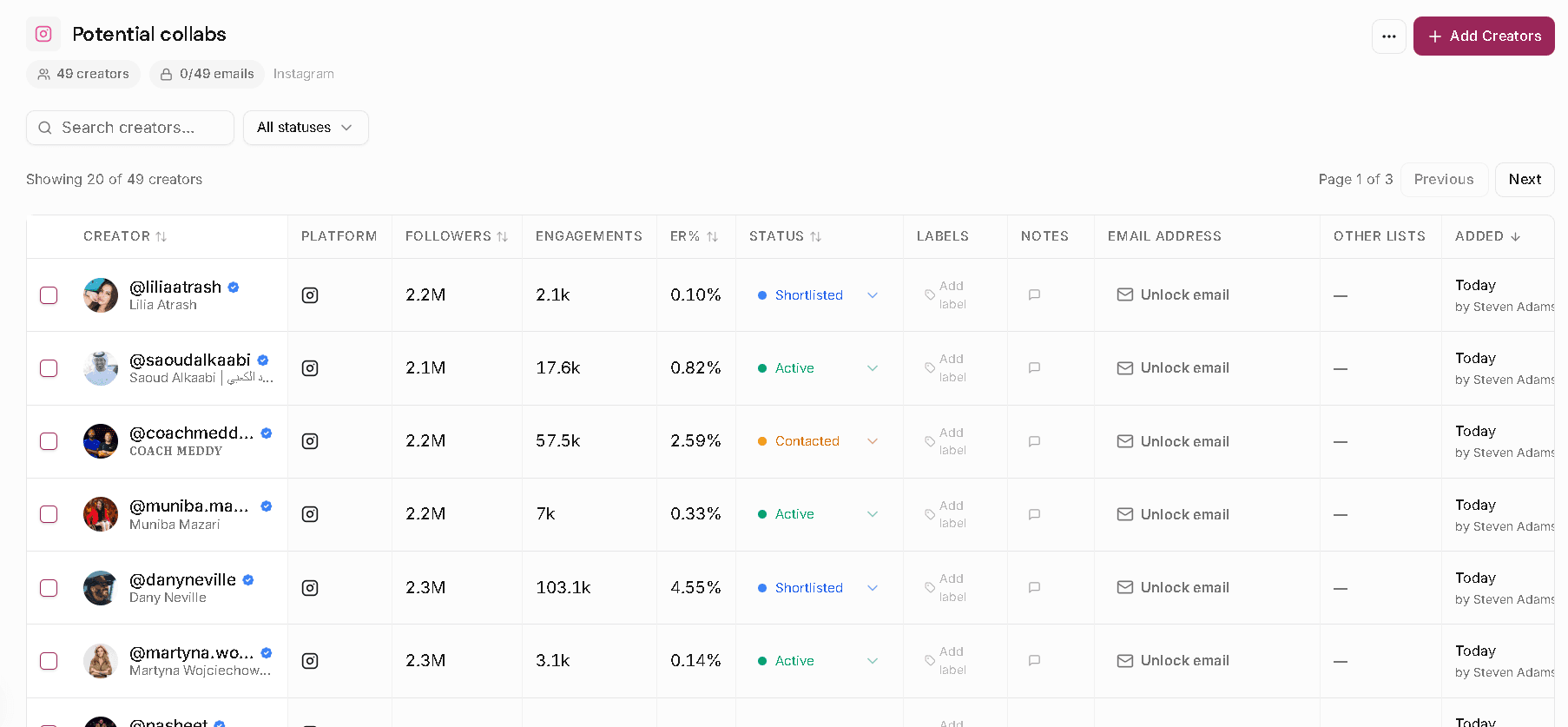
A list per campaign or per client, with the status, the notes and the owner sitting on each creator. The Slack message asking who already emailed her stops getting sent.
Run four at once without the beauty campaign and the fitness campaign ending up in the same tab.
Approved, pending, rejected, on hold, plus whatever you typed at 11pm about why. It stays on the creator, not in a thread someone has to scroll.
For the deck, the budget approval, or handing the list to whoever does outreach.
How teams use it
Every creator anyone saves lands in a shared list with the context attached: where the conversation got to, who owns it, what was decided last time. Someone new joins the account on Monday and catches up in five minutes.
These run on the same creator index as the paid product. No account, no card.
Pick the creator on your list you’re least sure about. Run the audience report. It takes five minutes, costs nothing, and you’ll know before you pay them.